Get your PC tune up today with a clean-up.
Professional Hardware Care
Accumulated dust traps heat inside your case, forcing fans to run at maximum speed and triggering thermal throttling. Schedule onsite or drop-off service to restore factory cooling.
Visual Inspection
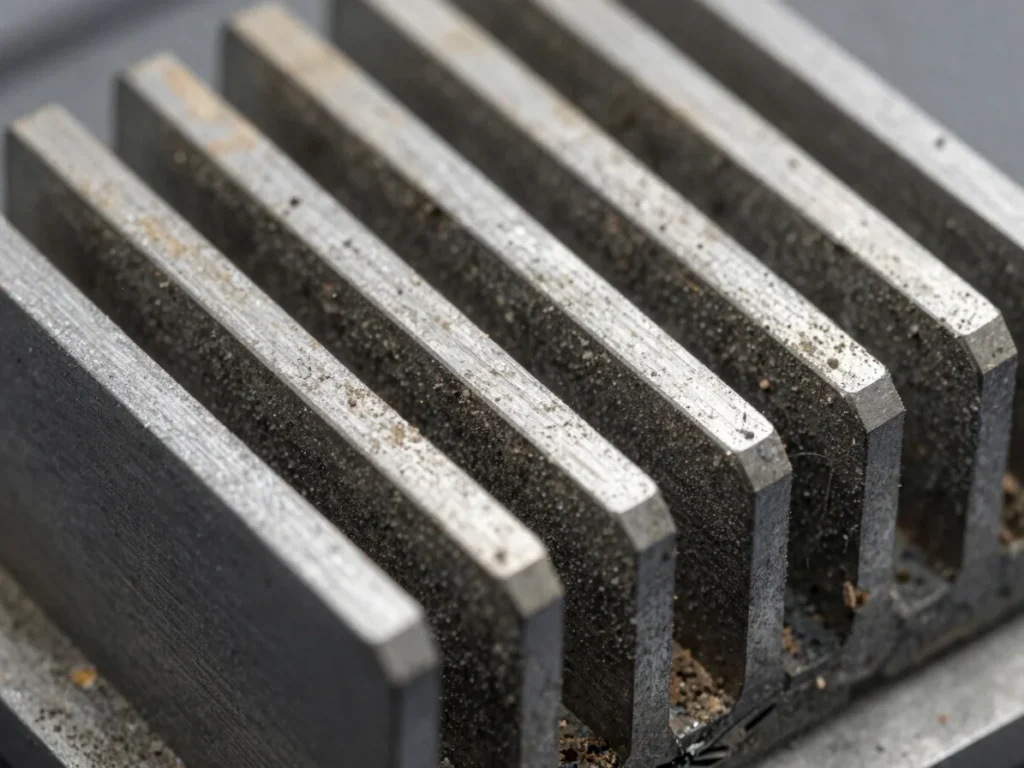
Dust Build-Up
Thick layers of dust blanket cooling fins and block critical airflow channels, driving internal operating temperatures up.
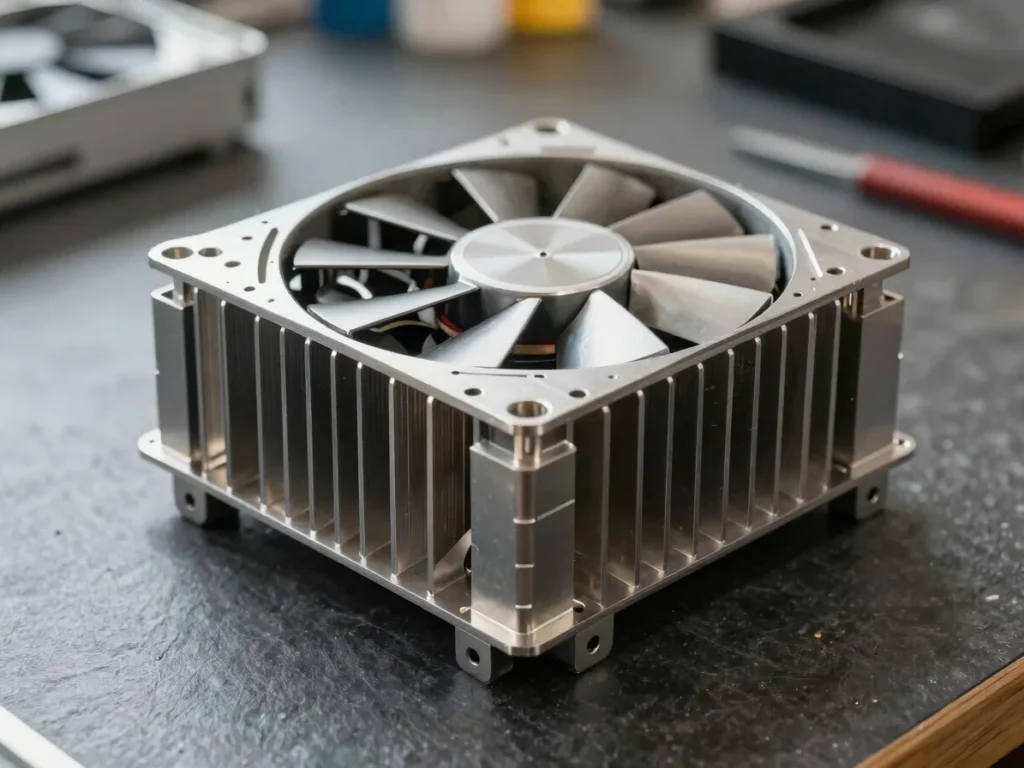
Fresh Care
Deep mechanical extraction clears debris from fan bearings and heatsink arrays, allowing unobstructed airflow and quiet operation.
Our Services
Choose between having an expert clean your rig directly at your desk or bringing it in for comprehensive mechanical care.
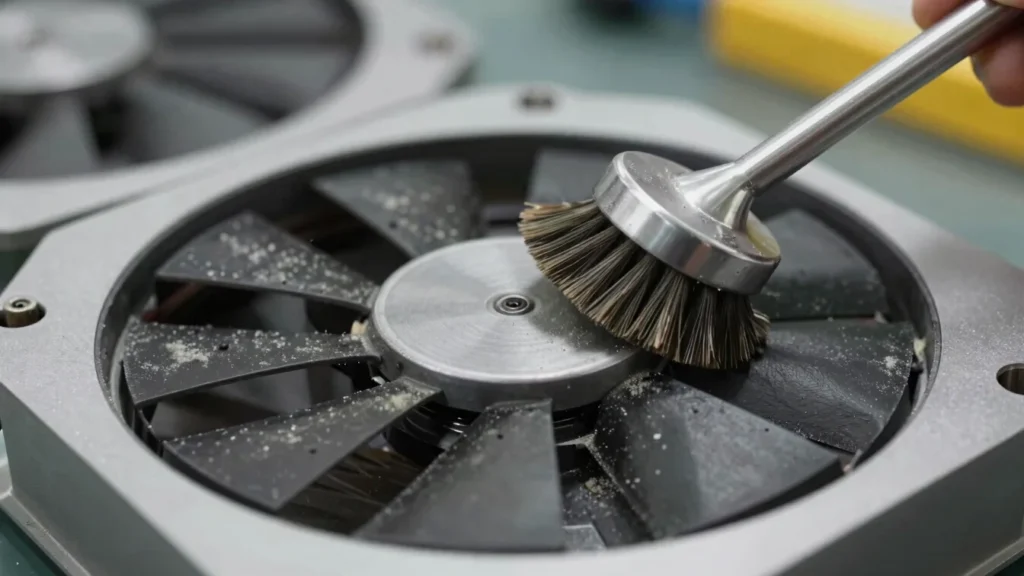
Fan & Heatsink
Thorough removal of particle build-up from all intake and exhaust fans to eliminate noise and restore RPM efficiency.
Thermal Care
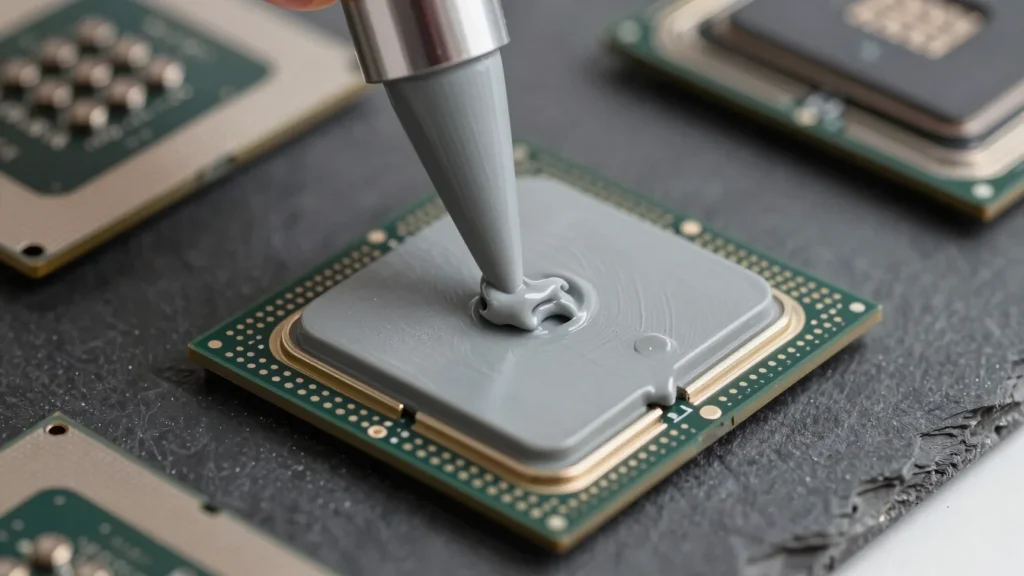
Fresh application of high-grade thermal compound on CPU heatspreaders to fix dry spots and lower operating temperatures.
Optimization
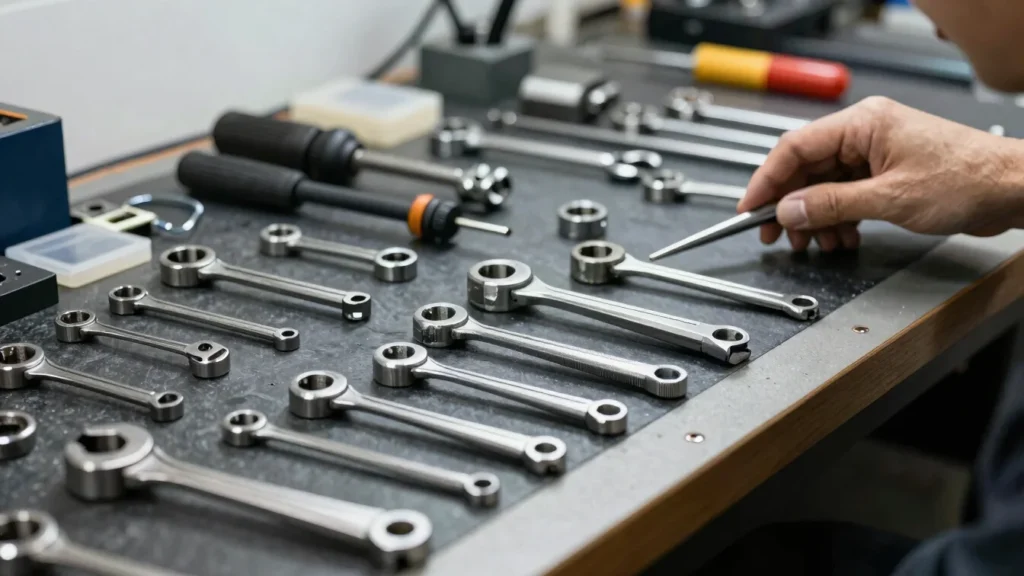
Comprehensive hardware checks to ensure stable cooling, proper airflow routing, and sustained operational speeds.
Maintenance Schedule
01
Regular cleaning prevents extreme heat accumulation, protecting sensitive silicon from cumulative thermal damage.
02
Clear airflow channels and fresh thermal paste allow heatsinks to dissipate thermal loads rapidly without excessive fan noise.
03
Unobstructed cooling ensures your hardware maintains maximum clock speeds during intensive tasks and gaming sessions.
Thermal Recovery
Recommended service interval
Onsite or drop-off options
Mechanical hardware focus
Get Started
Request an onsite technician visit or drop-off service to rescue your system from overheating.
Emailservice@24-7cs.com